Background
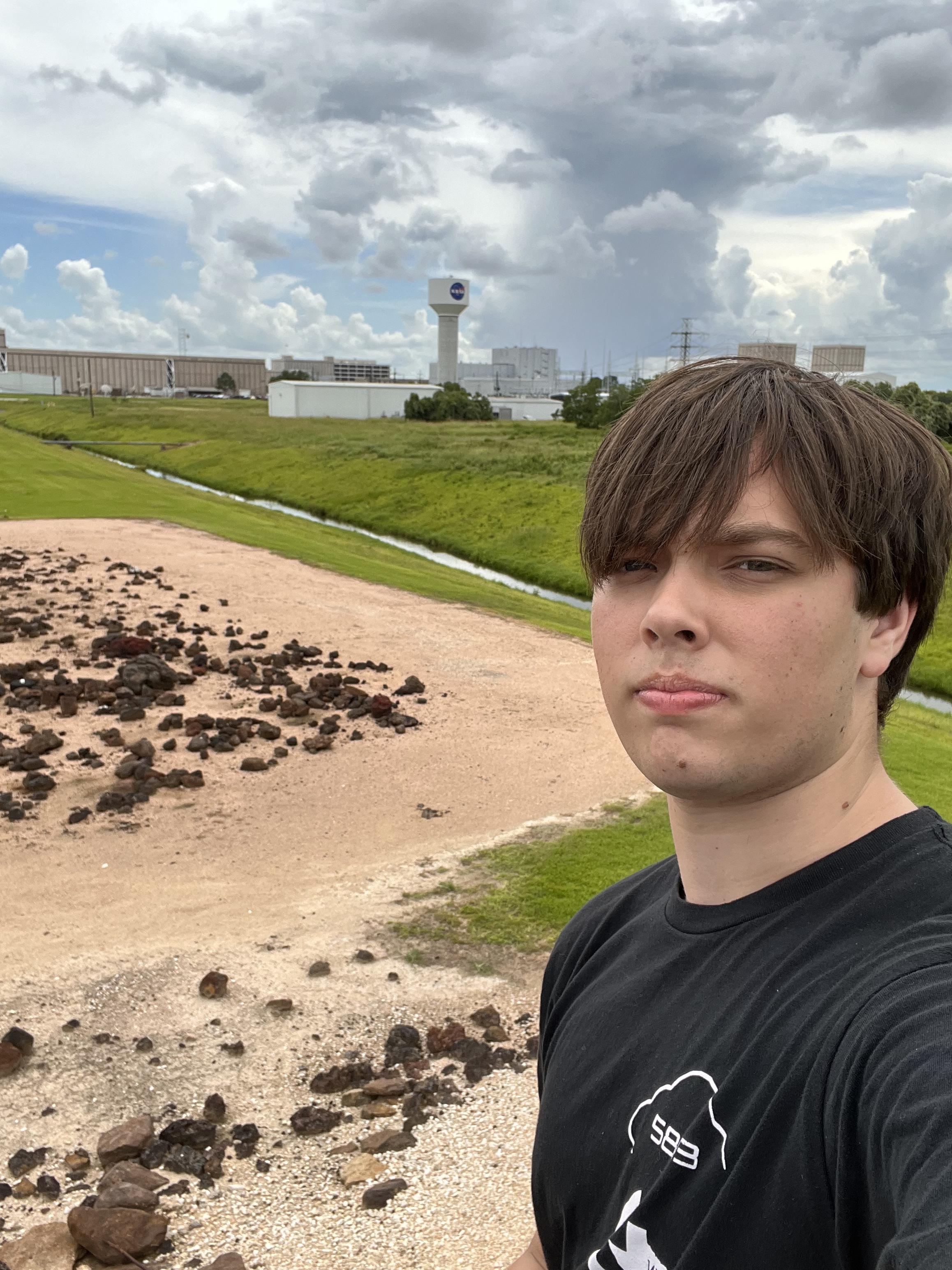
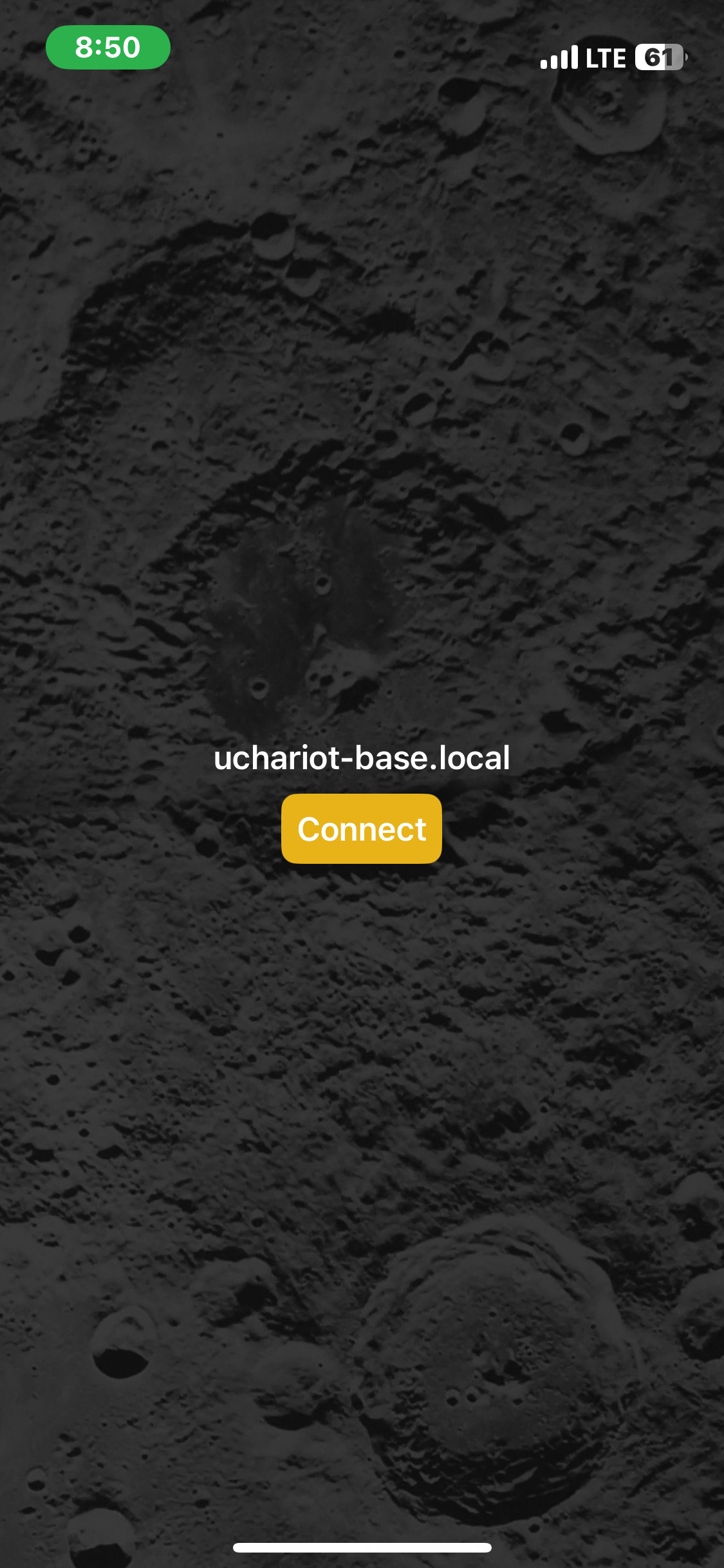
While working at NASA over the 2025 summer, I worked on an app that allowed people to be able to drive the microchariot lunar rover prototype easier. This app was easily available for download on the App Store and was able to connect to the robot through the default IP address as soon as you connected to the robot's wifi network.
This project was created to eliminate the barriers presented by the previous Python-based console, which required significant setup and technical knowledge to use. During demonstrations and presentations to administrators, this complexity made it difficult for new people to quickly interact with the rover. By transitioning to a mobile app, the console made robot operation significantly more usable, allowing people to connect and begin controlling the robot within minutes.
The redesign focused heavily on usability and demonstration reliability. The mobile platform allowed for a portable and familiar control device while also improving safety and accessibility for people wanting to drive it. This helped streamline testing sessions and presentations by reducing setup time and providing a more engaging and interactive way to showcase the rover's capabilities.
Features
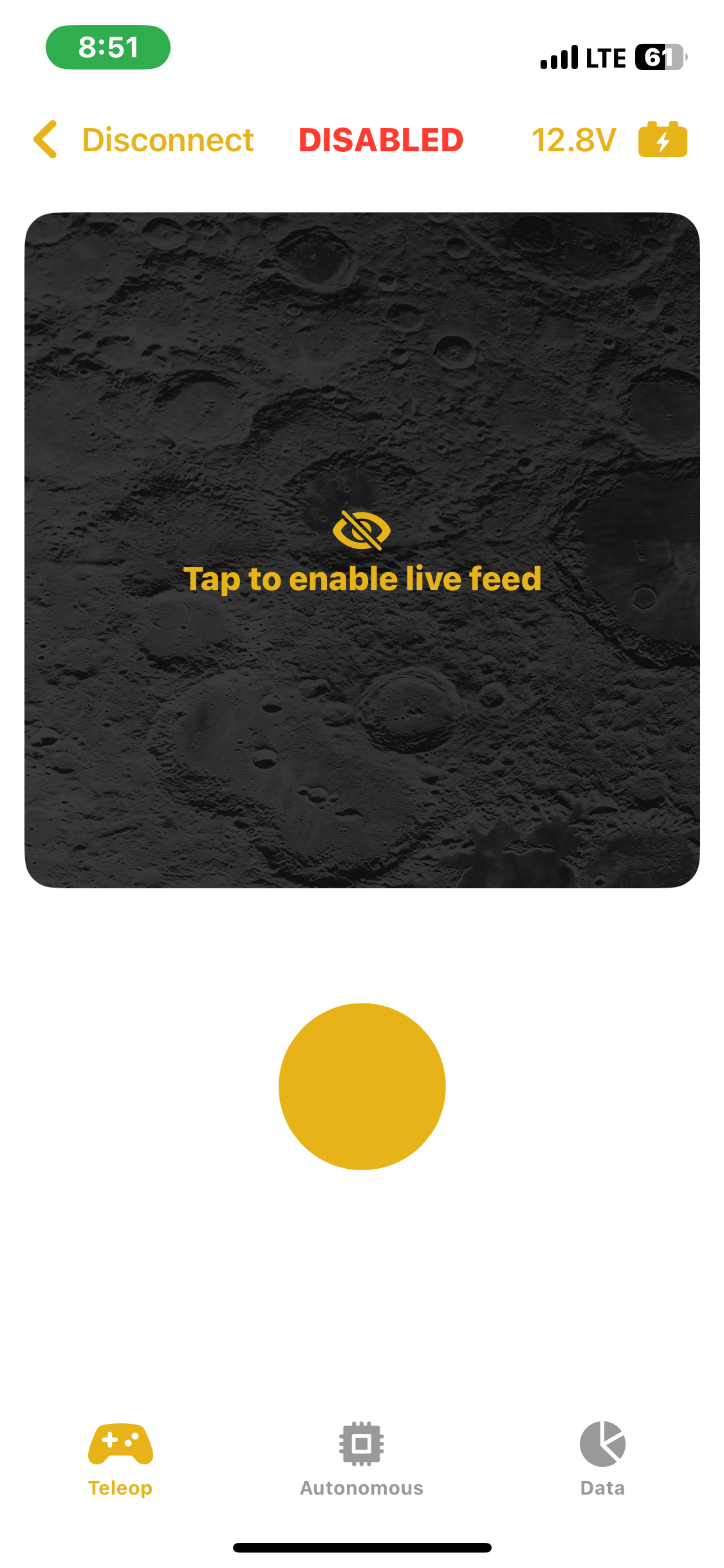
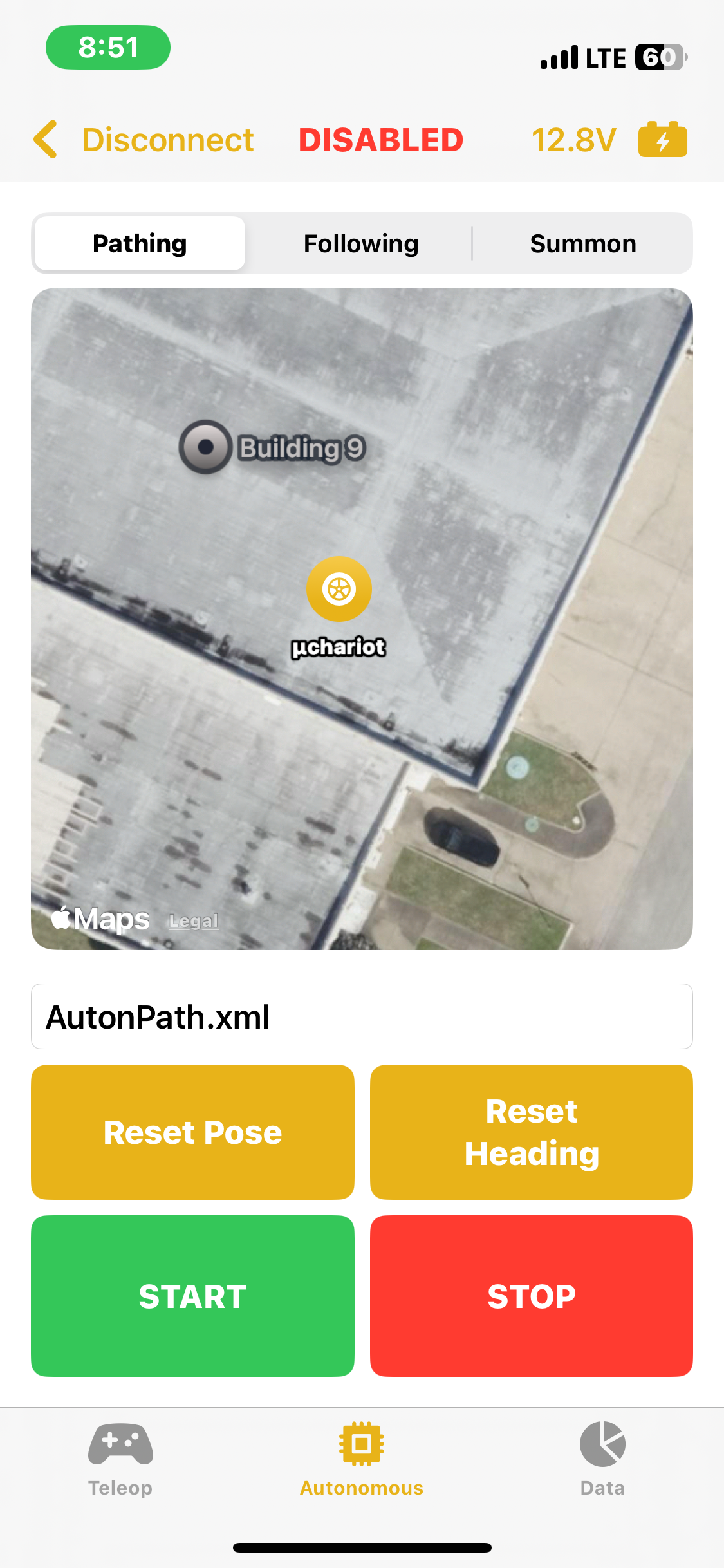
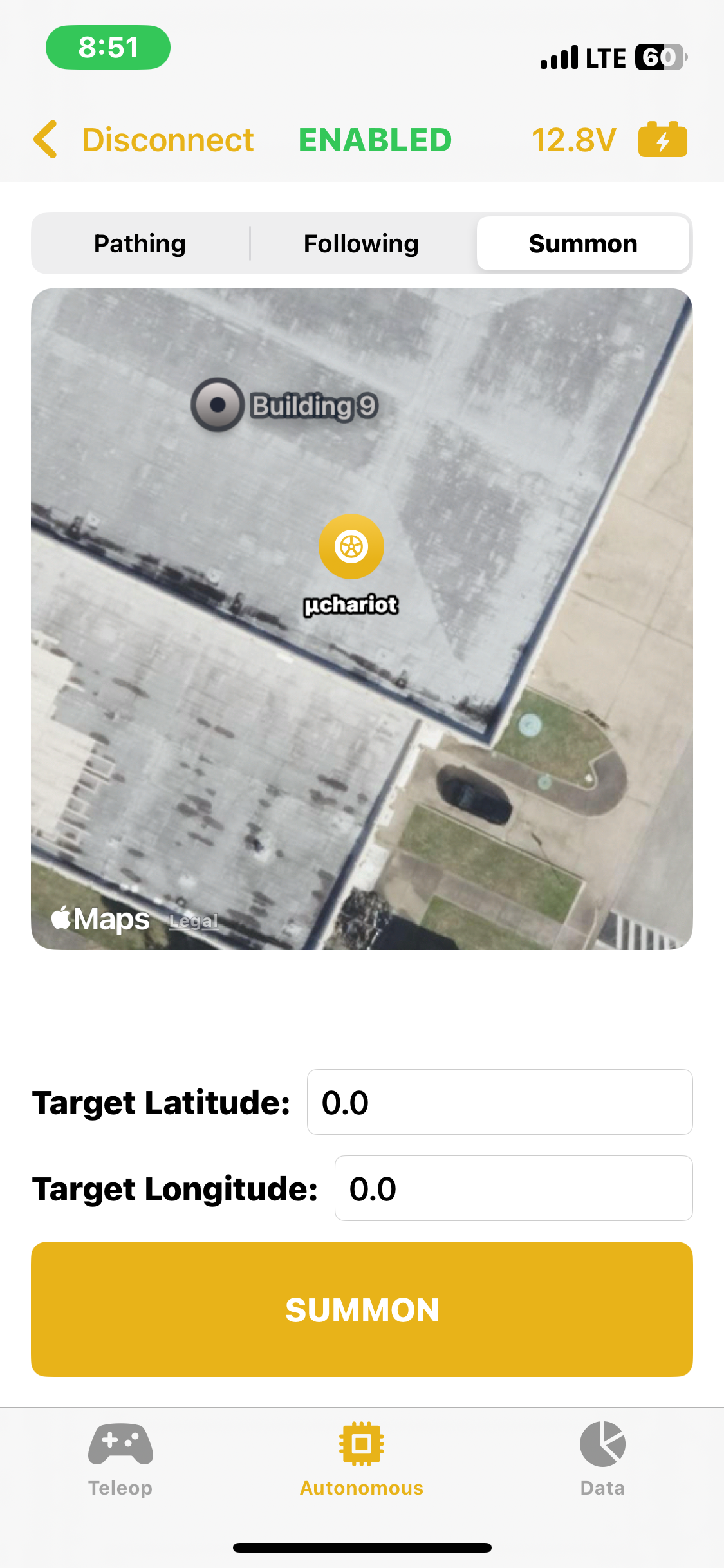
The app featured the ability to change the provided IP address, in the case of another robot with a different static IP or the static IP changed. The app had the ability to enable, disable, and emergency stop the robot all from your phone with an easy to push button located at the top of the screen. The main teleoperated screen allowed the driver to use a joystick located in the center of the screen to control the robot's movement. It also featured a live video feed if the robot were to be outfitted with a camera in the future. The Autonomous screen allowed for selection between the three autonomous modes, Pathing, Following, and Summon, each with their own controls and settings. The app featured emergency stop detection if your phone turned off, navigated away from the app, etc.
Skills Developed / Lessons Learned
In writing this app I learned about UI / UX design, learned more about the Swift / SwiftUI programming languages, and learned how to work with existing hardware that had limited documentation available by reverse-engineering the software which was publicly available. The hardest part about working on this app was developing my own solution to the preexisting solution's implementation of ssh & unix connections which used python's built-in modules. I had to select my own libraries that would fit my use case and implement them in a Swift app, a place not generally expected to be connecting to other wifi networks and interacting with other devices on those networks.